Insert the SD card. The photos go to Immich.
A small app in the menu bar notices your camera's card and uploads only the new photos. No more remembering which shot you uploaded last.
Download macOS, Windows and Linux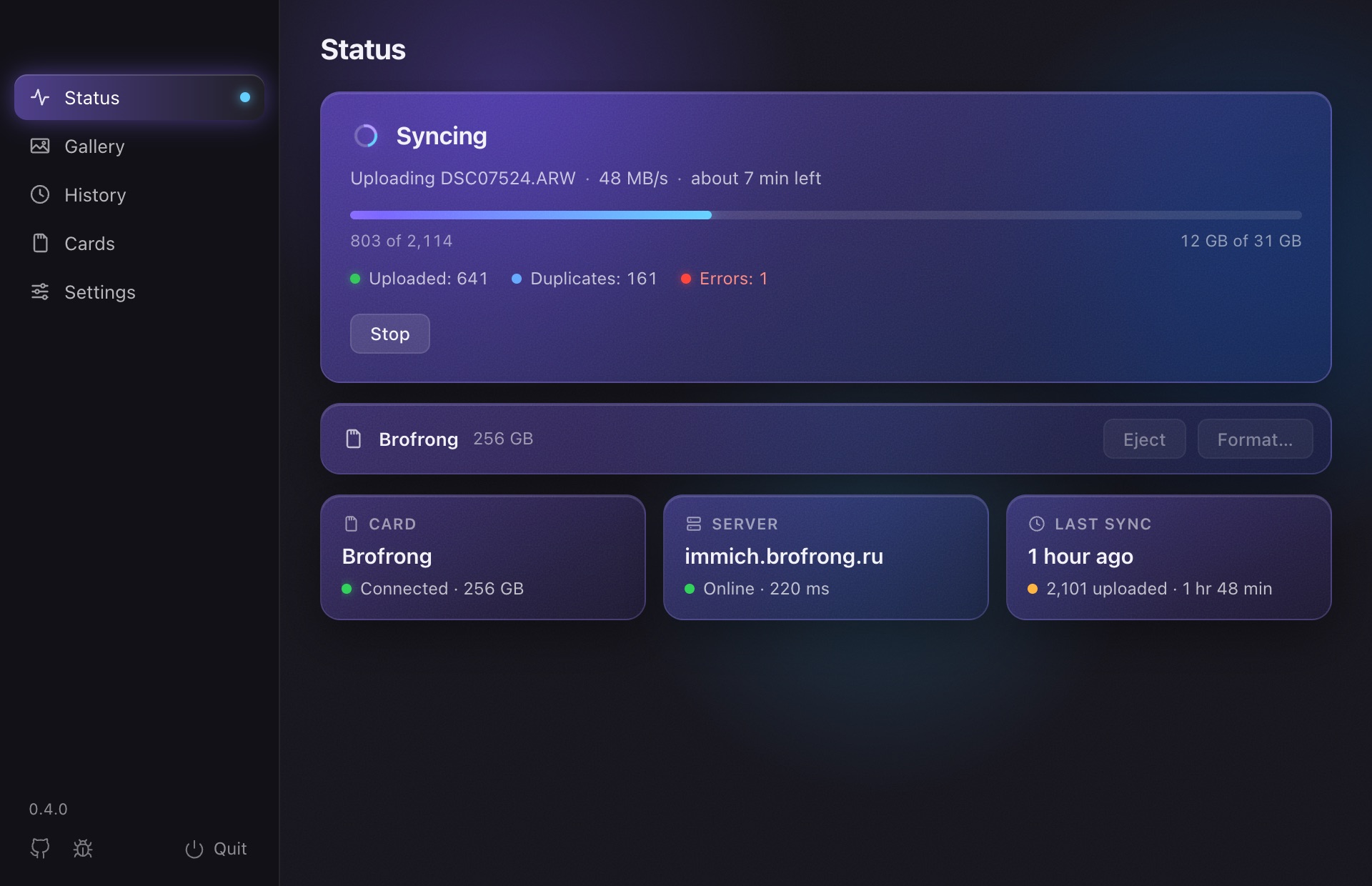
How it works
Set it up once, then just insert the card.
Connect Immich
Enter your server's address and an API key once, and pick the card to sync.
Insert the card
The upload starts by itself. What is already in Immich is skipped.
Take it out
When everything is uploaded, the card is ejected. Go shoot some more.
See your shots while they upload
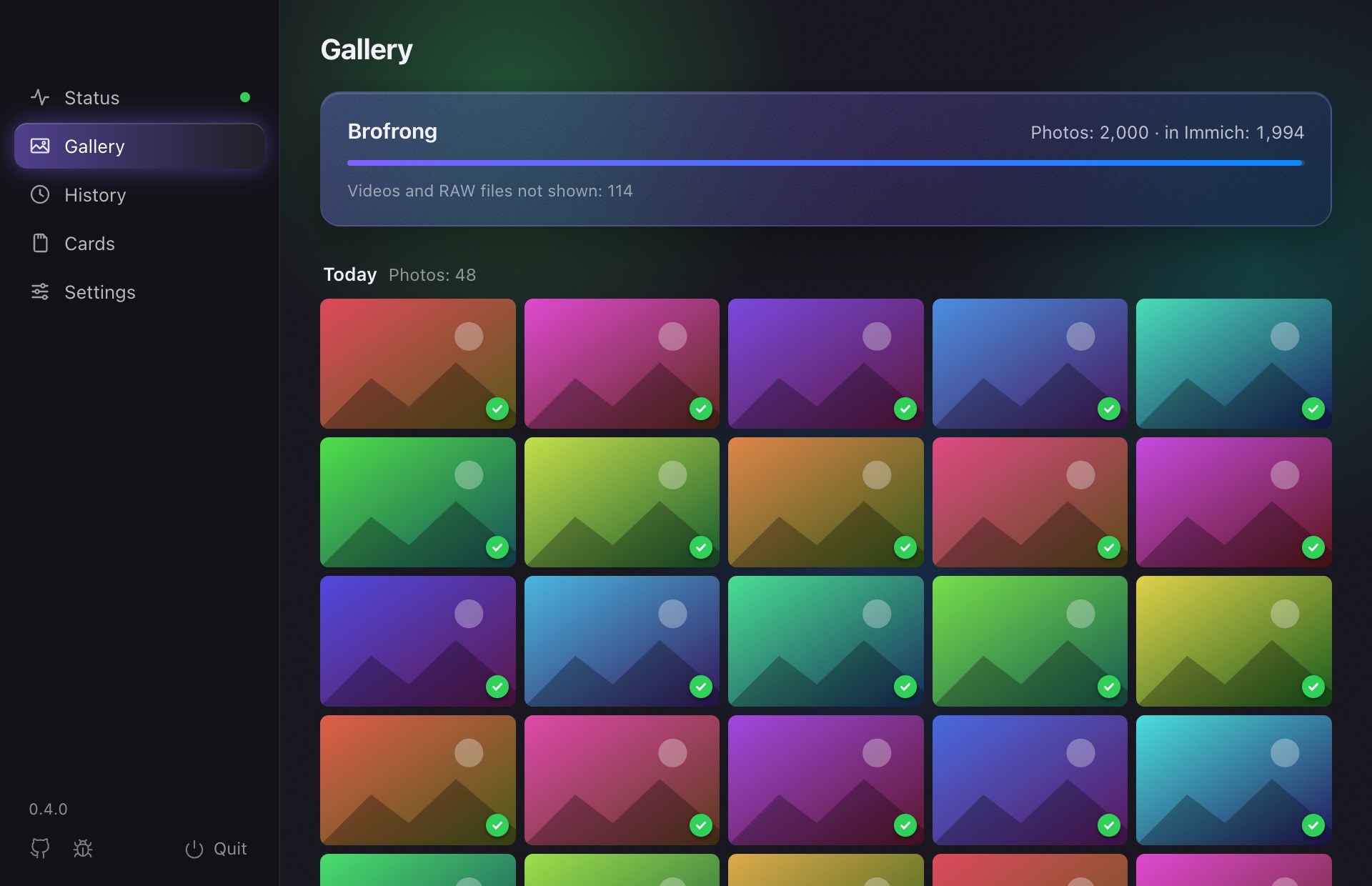
The Gallery tab shows the photos on the card by day, newest first, with a badge on each: in Immich, uploading, or waiting.
Click a photo to see it large and flip through with the arrow keys. Handy for showing someone the shoot right away.
What else it does
Built for a big card after a day of shooting.
Remembers what is uploaded
Each card has its own progress. Next time only the new photos go up.
No duplicates
Checks the file date and checksum, as immich-go does.
Survives interruptions
Network gone or the server down? It stops and picks up where it left off.
Photos, RAW and video
The formats Immich takes, with XMP sidecars. RAW+JPEG pairs are stacked as one photo.
Card ready to go
Ejected after the upload. If you like, formatted once every file is checked in Immich.
Stays out of the way
Lives in the menu bar or tray, can start at login, updates itself. 8 languages.
How it differs
From the Immich tools you may already use.
The Immich mobile app
Backs up your phone. SD Sync Immich is for the camera's card: no copying the shots to the phone first.
immich-go and Immich CLI
Command-line tools, great for big imports like a Google Photos takeout. SD Sync Immich is for the everyday card: insert it, and what is new goes up.
Your photos stay yours
It talks only to your Immich server, and to GitHub for updates. No analytics, no accounts.
Free and open source
If it saves you time, star it on GitHub: that is how other Immich users find it. Issues and pull requests are welcome.